Deploy Sitefinity CMS on Microsoft Azure to unlock auto-scaling, CI/CD pipelines, and enterprise-grade performance for your digital platform.
Managing a modern website requires a platform that is reliable, scalable, and easy to manage. Sitefinity CMS has become a popular choice for businesses that want to manage digital content across multiple channels and devices from a single platform.
Marketing teams can update pages, publish content, and manage digital experiences without depending heavily on developers. This flexibility helps organisations launch campaigns faster and maintain consistent website updates.
To get the best results, it is essential to have a clear understanding of how Sitefinity CMS works and what it offers.
However, website performance depends heavily on the infrastructure behind the CMS. Many businesses still run their platforms on traditional hosting environments. These setups often struggle with traffic spikes, security requirements, and scalability challenges.
This is where Sitefinity CMS on Azure offers a strong advantage.
Microsoft Azure provides a powerful cloud environment designed for modern applications. It improves website performance, availability, and scalability while reducing infrastructure complexity. According to recent cloud adoption reports, over 85% of enterprises now run critical workloads in the cloud to improve performance and reliability.
With recent advancements in cloud technology, businesses can deploy Sitefinity websites on environments that support Windows Server workloads, including Rackspace and AWS. However, Azure offers deeper integration with Microsoft tools, making it a preferred choice for many organisations.
In this blog, we explore how deploying Sitefinity CMS on Microsoft Azure improves website performance, simplifies deployment, and helps businesses build scalable digital platforms.
Deploying Sitefinity CMS on Azure App Services
When organisations deploy Sitefinity CMS on Azure, the platform uses network communication between application nodes to support load-balanced environments. This setup ensures traffic is distributed across multiple instances, which improves website stability during high traffic periods.
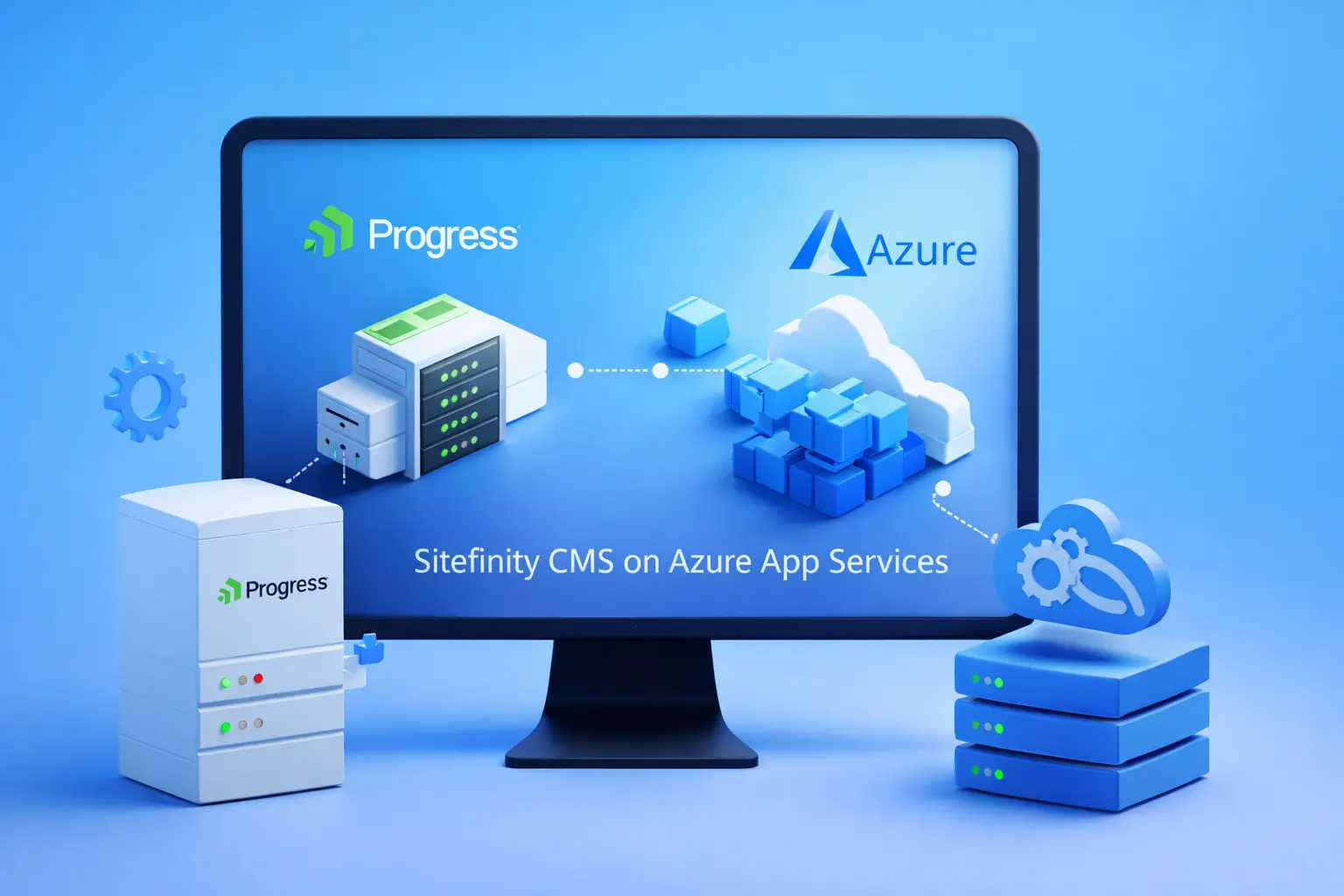
One of the easiest and most efficient ways to host Sitefinity on Azure is through Azure App Services. Azure App Services is a Platform-as-a-Service (PaaS) solution that removes the complexity of managing servers and infrastructure. Instead of maintaining hardware and system updates, developers can focus on improving the website and delivering better digital experiences.
Using Azure App Services for Sitefinity CMS offers several key benefits.
Developers can deploy applications directly from Visual Studio or cloud repositories, making the development workflow faster and more efficient. The platform also supports automatic high availability, ensuring websites remain accessible even when traffic increases.
Another major advantage is auto-scaling. Azure can automatically increase or reduce computing resources depending on website demand. This helps businesses maintain performance while controlling operational costs.
Azure App Services also provides a secure and compliant hosting environment. The platform supports important compliance standards such as ISO and PCI, which helps organisations maintain strong security and data protection practices.
Because of these capabilities, many businesses now choose Azure hosting for Sitefinity CMS to improve website performance, reliability, and scalability while reducing infrastructure management overhead.
However, Azure offers deeper integration with Microsoft technologies, which many organisations already use.
Azure Marketplace and Azure App Services for Sitefinity CMS Cloud Hosting
One of the biggest advantages of deploying Sitefinity CMS on Azure is access to the Azure Marketplace. Azure Marketplace is a global catalogue of applications and services designed for Azure users. It allows independent software vendors and technology partners to offer ready-to-deploy cloud solutions.
For businesses, this marketplace simplifies the process of finding and deploying enterprise applications. Instead of setting up infrastructure from scratch, organisations can quickly select and deploy solutions that are already optimised for Azure.
For Sitefinity CMS cloud hosting, this provides a major advantage.
Through the Azure Marketplace, organisations can deploy a preconfigured Sitefinity environment directly within the Azure ecosystem.
This approach removes the complexity of manual installation and infrastructure configuration. As a result, development teams can start building and managing their website much faster.
Most Sitefinity deployments in Azure rely on Azure App Services, which is a powerful Platform-as-a-Service (PaaS) cloud offering. Azure App Service removes the burden of managing physical servers, operating systems, and infrastructure updates. Instead, developers can focus on improving the website, creating features, and delivering better digital experiences.
Another benefit is the seamless integration with development tools such as Visual Studio and Azure DevOps, which helps teams deploy and manage projects more efficiently.
Top Advantages of Running Sitefinity CMS on Azure App Services
Businesses deploying Sitefinity CMS on Azure App Services can benefit from several important features:
- Faster deployment of Sitefinity environments
- Automatic updates and platform maintenance
- Built-in monitoring and performance management tools
- Reliable global infrastructure with high availability
In addition, Azure allows businesses to manage resources through App Service plans.
The App Service plan defines the computing resources used by the website, including CPU power, memory, and server capacity.
Organisations can easily adjust these resources based on their website requirements.
As website traffic grows, administrators can scale the infrastructure quickly without downtime. This flexibility helps businesses maintain consistent website performance while keeping operational costs under control. Because of these capabilities, many organisations now choose Azure hosting for Sitefinity CMS to support modern, scalable, and high-performance websites.

Steps to Deploy Sitefinity CMS from Azure Marketplace
Follow these steps to download and deploy the Sitefinity CMS application from the Azure Marketplace and run it on Azure App Services.
1. Log in to the Azure Portal – Open the Microsoft Azure portal and sign in using your Azure account credentials.
2. Create a New Resource – From the left navigation panel, select “Create a resource” to begin the deployment process.
3. Search for Sitefinity in Azure Marketplace – Use the Azure Marketplace search bar to find the Sitefinity CMS application.
4. Select the Sitefinity Application – Choose the Sitefinity CMS offering and start the deployment process.
5. Configure the App Service Plan – Fill in the required details such as the App Service plan name, subscription details, and SQL server configuration.
6. Select Subscription and Resource Group – Choose your Azure subscription. It is recommended to create a separate resource group specifically for the Sitefinity deployment.
7. Choose App Service Plan and Location – Select the App Service plan type and deployment location. In most cases, the resource group and service location remain the same.
8. Configure the Sitefinity Application Name – Enter the name for your Sitefinity CMS application. Azure will automatically generate a default URL such as: sitefinitysitename.azurewebsites.net
You can later configure a custom domain name through Azure settings.
9. Configure the Azure SQL Database – Enter the Azure SQL database name, SQL server instance name, and administrator credentials.
10. Create the Deployment – After entering all required details, click the Create button to start the deployment process.
11. Set Up the Sitefinity Admin Profile – Once the deployment is complete, Azure will prompt you to create the Sitefinity CMS administrator account to manage the website.
Key Benefits of Deploying Sitefinity CMS on Azure App Services
When organisations deploy Sitefinity CMS on Microsoft Azure, they gain access to several cloud features that improve website performance, scalability, and development efficiency.
Azure removes many of the limitations of traditional on-premise hosting environments. Instead of managing servers and infrastructure manually, businesses can use cloud services that simplify deployment and maintenance.
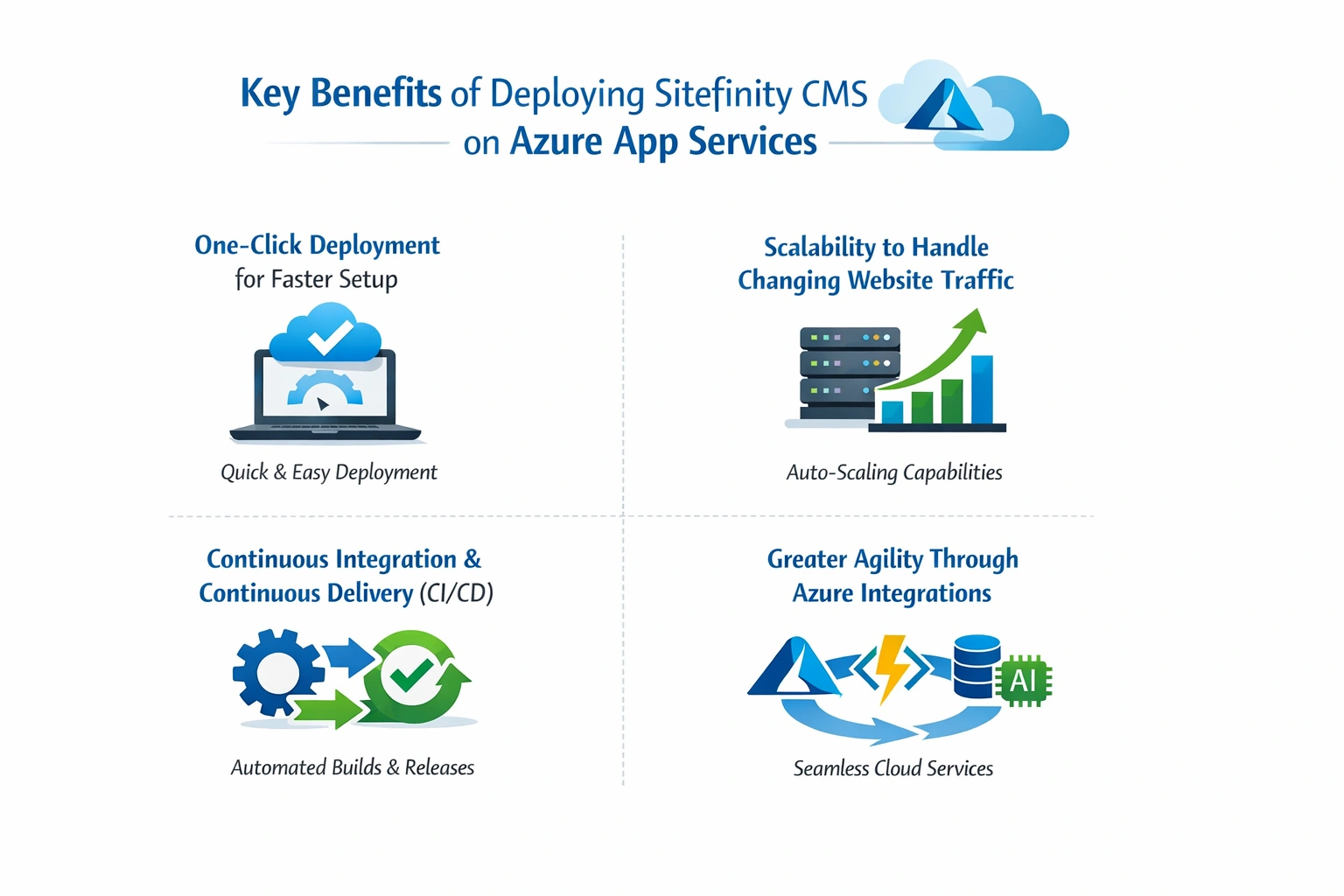
Below are some of the most important advantages businesses experience when running Sitefinity CMS on Azure App Services.
1. One-Click Deployment for Faster Setup
One of the biggest advantages of Azure is the ability to deploy applications quickly. With Azure cloud deployment, Sitefinity developers can avoid the complexity of traditional on-premise setup. Instead of configuring multiple servers and environments manually, administrators can launch deployments through the Azure portal or Azure Marketplace.
The process typically starts by creating an account within the Azure portal. Once configured, developers can deploy the Sitefinity project using automated tools and deployment pipelines.
This one-click deployment approach reduces setup time and allows development teams to focus on building website features rather than managing infrastructure.
2. Scalability to Handle Changing Website Traffic
Modern websites often experience sudden traffic increases during marketing campaigns, product launches, or seasonal activity. Running Sitefinity CMS on Azure allows businesses to handle both low and high traffic levels efficiently.
Azure supports both horizontal scaling and vertical scaling:
- Horizontal scaling increases the number of application instances
- Vertical scaling increases the computing power of existing servers
Azure also offers auto-scaling capabilities, which automatically adjust resources based on real-time traffic demand. This flexibility ensures high availability while also helping businesses control operational costs. Organisations only pay for the computing resources they actually use.
3. Continuous Integration and Continuous Delivery (CI/CD)
Modern digital platforms require faster release cycles and reliable deployment processes. Sitefinity CMS integrates well with Azure DevOps and continuous delivery pipelines. Once developers connect the project repository, Azure can automatically manage deployment workflows. The system can create staging environments, testing environments, and production deployments without manual intervention.
This automated process improves development efficiency and reduces the risk of deployment errors.
4. Greater Agility Through Azure Integrations
Another important benefit of deploying Sitefinity CMS on Azure is the access to the wider Microsoft ecosystem. Azure provides several built-in integrations that improve website performance, security, and identity management.
These sitefinity integrations may include services such as:
- Azure Active Directory
- Azure Redis Cache
- Azure Cognitive Search
- Azure AD B2B collaboration
Because Sitefinity is fully compatible with Microsoft technologies, organisations can use these services to build more advanced and scalable digital platforms. Many organisations already run their Sitefinity CMS websites on Azure, taking advantage of these integrations to improve development workflows and digital experience delivery.
Conclusion
Deploying Sitefinity CMS on Azure provides businesses with a modern and scalable cloud environment for managing digital platforms. Azure simplifies website hosting while delivering strong performance, security, and reliability. With Azure App Services, organisations can deploy Sitefinity websites faster without managing complex infrastructure. Features such as auto-scaling, built-in monitoring, and high availability help maintain consistent performance even during periods of high traffic.
In addition, Azure offers enterprise-level security and compliance capabilities. Standards such as ISO and HIPAA compliance make the platform suitable for industries that require strict data protection and regulatory adherence.
As more organisations adopt cloud-first strategies, Azure hosting for Sitefinity CMS continues to provide a reliable foundation for building scalable, high-performing digital experiences. If your organisation is planning to deploy, migrate, or optimise Sitefinity CMS on Azure, working with experienced developers can help ensure the best results. The team at IDS Logic offers specialised Sitefinity CMS development and Azure deployment services tailored to business requirements.
Explore our Sitefinity Development Services to learn how we can help you build and optimise scalable Sitefinity solutions on Azure.

Frequently Asked Questions
Q1. Why should businesses deploy Sitefinity CMS on Microsoft Azure?
Deploying Sitefinity CMS on Azure offers businesses a reliable and scalable hosting environment. Azure provides modern cloud infrastructure that improves website performance, uptime, and security. It also simplifies infrastructure management through automated tools and monitoring features. As a result, development teams can focus more on improving digital experiences instead of managing servers and maintenance tasks.
Q2. Is Azure App Services the best option for hosting Sitefinity CMS?
A Sitefinity website can be hosted with Azure App Services, which offers a Platform-as-a-Service (PaaS) environment that eliminates the need to manage operating systems, servers, and infrastructure manually. Using automatic updates, high availability, and built-in monitoring tools, businesses can deploy websites faster and maintain a stable website performance.
Q3. Can Sitefinity CMS handle high website traffic on Azure?
High traffic volumes can be easily handled with Sitefinity CMS on Azure. Azure supports both horizontal and vertical scaling, so businesses can scale their resources accordingly. In addition to auto-scaling, the platform allows websites to maintain responsiveness even during traffic spikes and major campaigns by automatically adjusting resources based on demand.
Q4. Does Azure provide security and compliance for Sitefinity CMS websites?
Microsoft Azure offers strong security features designed for enterprise applications. It provides tools for identity management, network protection, and threat monitoring. Azure also supports recognised compliance standards such as ISO, PCI, and HIPAA, which helps organisations meet strict security and regulatory requirements. This makes Azure a reliable hosting environment for businesses that manage sensitive data.
Q5. Can businesses migrate an existing Sitefinity website to Azure?
Sitefinity CMS websites can be migrated to Azure without having to rebuild the entire platform. A migration typically involves moving the database, transferring application files, and configuring Azure’s hosting environment. Businesses can improve performance and scalability in the cloud by planning and testing the migration well before it occurs.
Q6. How does Azure improve Sitefinity CMS website performance?
Azure improves website performance through features such as load balancing, distributed cloud infrastructure, and scalable computing resources. These capabilities help maintain faster page load times and better reliability. Azure also provides monitoring tools that allow administrators to track performance metrics and optimise resources when needed.
Q7. What tools help manage Sitefinity CMS deployments on Azure?
Developers commonly use tools such as Azure DevOps, Visual Studio, and Git repositories to deploy and manage Sitefinity projects on Azure. These tools support continuous integration and continuous delivery (CI/CD), which allows teams to test, update, and release new features more efficiently. This helps businesses maintain stable and well-managed digital platforms.