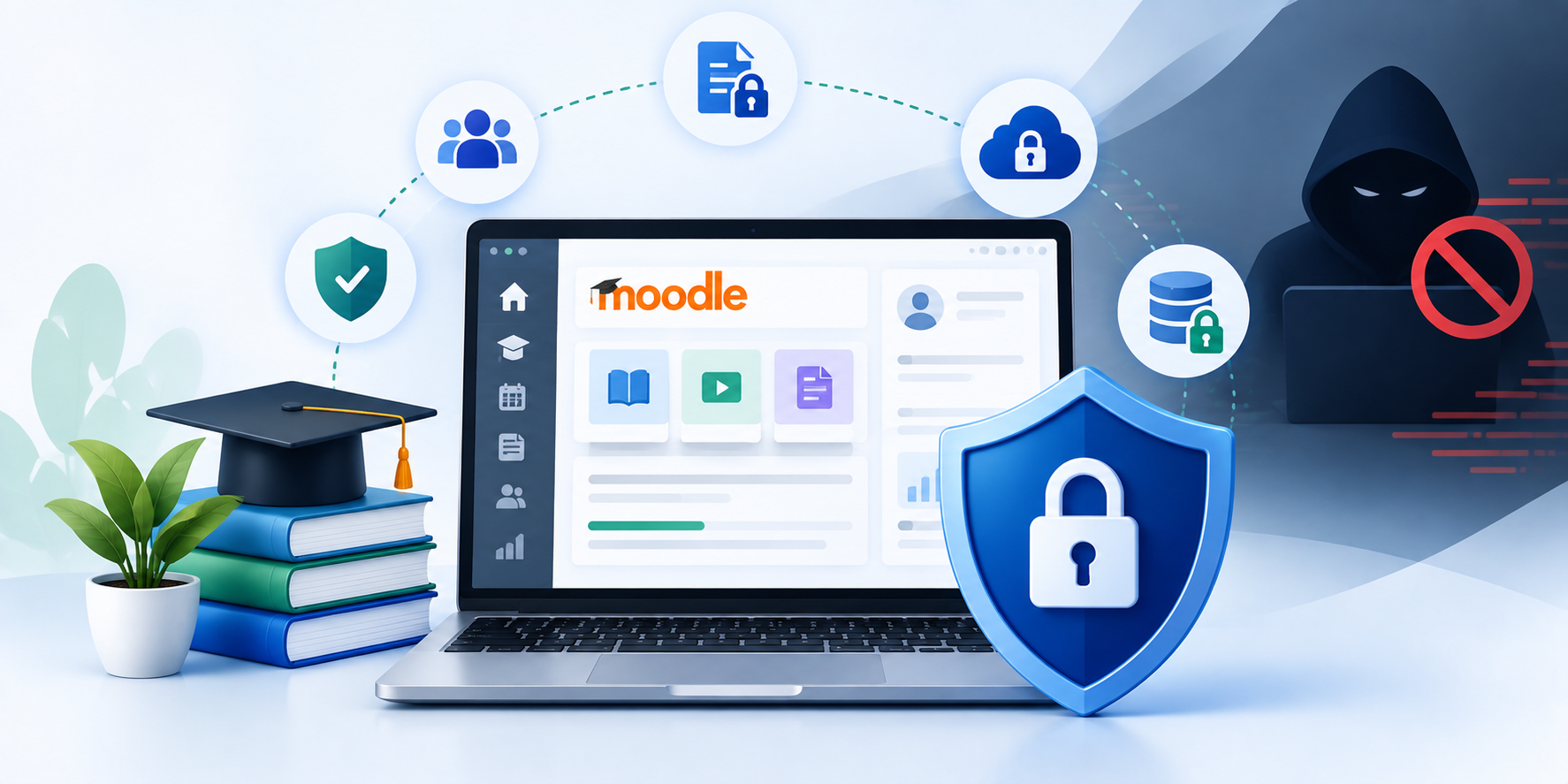
Learning platforms now hold far more than course content.
They can contain names, login details, assessments, progress records, certificates and confidential training material.
Many platforms also connect with identity systems, HR platforms, CRMs, payment tools and reporting applications. Each account, integration and data flow adds another point to secure.
Strong LMS data security therefore needs more than passwords and HTTPS alone.
A secure LMS combines identity controls, encryption, careful permissions, patching, monitoring and tested recovery processes.
Clear ownership matters too.
This guide explains practical LMS security best practices for protecting data without making learning unnecessarily difficult.
What Does LMS Data Security Actually Need to Protect?
Security starts by understanding what sits inside your learning platform.
An LMS may process several categories of information. These can include learner identities, course activity, assessments and completion records.
Corporate platforms may also contain proprietary training materials or compliance records.
Some implementations process information from HR, identity or customer systems.
Treating every record in exactly the same way creates poor security decisions.
Instead, identify:
- what information the LMS holds
- where that information originates
- who needs access
- where the data travels
- which integrations can access it
- how long you genuinely need it
These answers define the scope of your LMS data protection strategy.
UK organisations also need risk-appropriate technical and organisational measures when processing personal information. The ICO specifically highlights access control, encryption, patching and security testing.
Clear data ownership makes later security decisions more precise.
Where Do the Biggest LMS Security Risks Come From?
Attackers do not always need an advanced exploit. A forgotten administrator account may provide enough access.
Unsupported plugins can expose known vulnerabilities. Integrations may also reveal more information than users need.
Common LMS security risks include compromised accounts, excessive permissions, weak recovery and poor monitoring.
Phishing adds another route by turning legitimate credentials into an attack path.
Because any single control can fail, build LMS cybersecurity around overlapping safeguards rather than one defence.
Not Sure Where Your LMS Is Exposed?
Review access, integrations, platform health and current development risks before problems affect learners.
How to Secure LMS Data: 12 LMS Security Best Practices
These LMS security features cover identity, data, applications, integrations and recovery. Their value comes from working together.
1. Start With Strong Authentication
Passwords still matter, but they offer limited protection on their own. Multi-factor authentication adds another check before access is granted.
For administrators and privileged users, that extra layer is particularly important.
The NCSC recommends MFA for users and administrators accessing sensitive data through online services. It also favours phishing-resistant methods where suitable.
SSO can simplify authentication when organisations manage identities centrally. Centralised login still needs secure recovery, MFA and inactive-account controls.
A compromised identity provider can affect several connected systems. Review authentication policies, recovery methods and dormant accounts together.
2. Apply LMS Access Control Around Real Roles
Authentication confirms identity. Authorisation decides what that identity can do.
Good LMS access control separates permissions for learners, trainers, editors, managers and administrators.
Apply the principle of least privilege. Learners should not access administration tools. Trainers should not receive platform-wide permissions without a genuine need.
Administrator rights deserve particular attention. The ICO recommends strong authentication for privileged access and appropriate audit trails for personal information.
Access also changes over time. Remove leavers promptly. Review role changes. Disable dormant accounts before they become forgotten entry points.
A permission model only remains useful when somebody maintains it.
3. Protect Data in Transit and at Rest
Modern LMS data encryption must cover stored information and network traffic.
Use HTTPS with current TLS configurations to protect information travelling between browsers, applications and services.
Sensitive stored information may also require encryption at rest.
That can include databases, backups, file storage and devices.
The ICO identifies encryption as an important security measure for personal information. The right control still depends on the data, risk and processing context.
Encryption also needs sensible key management. Protecting a database adds little value if attackers can access its encryption keys through the same compromised account.
Avoid hard-coding one algorithm into generic policy. Choose supported cryptography that suits your platform, hosting environment and risk profile.
4. Control Registration, Sessions and Account Creation
Open registration can make sense for public learning programmes. It makes far less sense when only employees or approved learners need access.
Decide who should create accounts and how the platform verifies them. Where self-registration adds no business value, disable it.
For public registration, consider email verification, abuse controls and suitable rate limiting.
Set appropriate session controls for privileged access. Sensitive administrative sessions should not remain active indefinitely on unattended devices.
Secure password recovery with the same care as sign-in. An attacker who can abuse account recovery may not need to defeat your original login control.
5. Use IP Restrictions as a Supporting Control
IP blocking can restrict known malicious addresses or limit selected administrative access.
An LMS with IP blocker functionality can also support allowlists for trusted networks. These controls cannot verify user identity by themselves.
Attackers can change addresses, use compromised systems or operate through trusted networks.
Treat IP rules as a supporting layer alongside authentication, permissions, monitoring and secure configuration.
6. Secure APIs and Third-Party Integrations
Learning platforms rarely operate alone.
Your LMS may exchange information with HR systems, CRMs, identity services or virtual classrooms. It may also connect with reporting, ecommerce or payment applications.
Every connection creates another trust relationship.
LMS integration security best practices should cover data scope, credentials and permissions.
Check what information each integration genuinely needs. Then restrict tokens, service accounts and API permissions accordingly. Do not store API secrets in public code repositories.
Rotate credentials when required and remove integrations that nobody uses. Monitor failed or unusual API requests because they can reveal problems early.
OWASP’s API Security Top 10 includes broken authentication, broken authorisation controls and unsafe API consumption.
An integration can work correctly while exposing too much information. Functional testing alone will not catch that problem.
If Moodle connects with identity, HR, CRM or another learning system, review security during integration design.
7. Patch the LMS and Its Dependencies
Security updates should form part of planned maintenance. Do not focus only on the LMS core.
Track plugins, themes, frameworks, databases, server software and custom extensions in one dependency inventory.
Identify which versions remain supported and which need replacement.
Prioritise critical vulnerabilities and internet-facing systems. Test meaningful updates outside production before deployment.
Plugins, authentication, assessments and integrations can behave differently after an update.
A controlled staging and release process reduces avoidable disruption.
For Moodle, official guidance recommends regular updates and close attention to published security information.
8. Watch What Happens After Login
Preventive controls will not catch every incident. Monitoring helps expose what slips through.
Useful signals include repeated failed logins, unusual administrator activity, permission changes and abnormal downloads.
Unexpected API behaviour also deserves attention. Logs need owners, thresholds and response paths.
Keeping millions of events is pointless if nobody reviews meaningful alerts.
For sensitive workflows, maintain an appropriate audit trail to support investigation.
9. Protect Course Content and Assessment Data
Security does not stop with personal details. Training materials may contain valuable intellectual property.
Assessment banks can also lose their value if unauthorised users access them.
Certificates and completion records need integrity too. Use permissions to restrict sensitive material.
Review how downloadable files behave outside the platform. Where content has commercial value, assess sharing risks before enabling unrestricted downloads.
Do not promise impossible protection.
Once authorised users can view material, no technical control can guarantee that content never leaves their device.
Good LMS content security reduces unnecessary access and misuse. It does not make copying impossible.
10. Build Backups for Recovery, Not Just Compliance
Backups should answer one question:
Can the organisation recover when the primary system fails?
Creating copies is only part of that process. Protect backup access. Keep suitable version history and test restoration.
Ransomware attackers often target backups because destroying recovery options increases disruption. The NCSC therefore recommends stronger controls around backup resilience and regular restore testing.
Your recovery plan should also define responsibilities. Know who can restore the system, which data comes first and how long recovery may take.
Learning-critical periods may need tighter recovery objectives. Assessment and compliance periods may require tighter recovery objectives because prolonged outages can disrupt learner obligations.
11. Make an LMS Security Audit Actionable
A periodic LMS security audit should do more than generate a long report. It should identify risk, ownership and the next action.
Depending on your environment, a review may cover:
- authentication and privileged accounts
- roles and permissions
- software versions
- plugins and custom extensions
- API and integration security
- data storage and encryption
- logging and monitoring
- backups and restoration
- server and cloud configuration
- privacy settings
- vulnerability scanning
- penetration testing
- incident procedures
The depth should reflect risk. A small internal learning portal does not need the same review as a regulated global platform.
The ICO recommends regular testing where appropriate. Its examples include vulnerability scanning and penetration testing.
Most importantly, track remediation. Most importantly, track remediation. Repeated high-risk findings usually show that remediation ownership is weak.
12. Keep Less Learner Data When You Do Not Need It
Security teams often focus on protecting data already stored. Sometimes the better question is whether that data should still exist.
Review information collected during registration, learning activity and reporting.
Remove unnecessary fields. Also define retention periods around real purposes.
The ICO’s data minimisation principle requires personal information to remain adequate, relevant and limited to what you need.
Storage limitation also means organisations should not keep identifiable personal information indefinitely without justification. Old learner accounts deserve the same review.
Unused records can add risk without current business value.
Good LMS data protection therefore includes deletion, anonymisation and archiving decisions.
Reducing unnecessary data limits what an attacker could reach.
Moodle Security Needs Platform-Specific Checks Too
General security principles apply to Moodle, but platform configuration still matters. Official Moodle guidance recommends several practical controls.
These include regular updates, HTTPS across the site, strong privileged passwords and tested backups.
Administrators can also use Moodle’s Security Overview Report to identify risky configuration. Moodle’s flexible role system needs careful permission reviews.
Powerful capabilities should reach only users who genuinely need them.
Review plugins before installation because every extension adds another dependency to maintain.
Every extension adds code, compatibility requirements and another component that needs maintenance.
For established platforms, security often sits alongside uptime, performance and release management.
IDS Logic’s Moodle support and maintenance services cover security updates, platform hardening and controlled upgrades.
Has Moodle Security Become Another Backlog Item?
Bring updates, access reviews, monitoring and platform maintenance into a controlled support process.
Explore Moodle Support and Maintenance
What Should LMS Security Services Actually Cover?
Not every organisation needs an external specialist. A mature internal team may already own identity, hosting, security and LMS administration effectively.
External LMS security services become more useful when ownership becomes fragmented. For example, one supplier may manage hosting while another manages the LMS.
A third team may own SSO, while HR controls learner data. Split ownership can leave important security gaps between teams.
Specialist support may help when:
- security updates remain delayed
- nobody owns integration risks
- permissions have grown without review
- the LMS relies on ageing custom code
- repeated incidents lack root-cause analysis
- upgrades feel too risky
- security findings remain unresolved
- internal teams lack LMS-specific expertise
Look for practical ownership rather than broad promises. A credible partner should explain what it will review, test and monitor.
It should also explain what remains your organisation’s responsibility. No provider can guarantee that an LMS will never experience a security incident. The better goal is lower exposure, faster detection and controlled recovery.
Secure LMS Development Starts Before Launch
Security becomes harder when teams bolt it on after development. Plan architecture, identities, data flows and external connections from the start.
Testing should use realistic roles and meaningful data scenarios.
IDS Logic’s LMS development services include secure architecture, role-based access, integration planning and security validation before launch.
Functional success alone is not enough. A login can work while permissions remain too broad.
An integration may transfer data correctly while exposing fields nobody needs.
Launch reviews should therefore check both functionality and security controls.
The current service page explicitly describes role-based access, secure architecture, integrations and pre-launch security validation.
Relevant IDS Logic LMS Experience
IDS Logic has more than 19 years of digital development experience. Its Moodle support service covers security updates, monitoring, upgrades and integration support.
The British Red Cross project provides relevant LMS delivery evidence.
IDS Logic designed, hosted and supported a pilot Moodle LMS for educator CPD.
The solution included role-based learner and trainer access, progress tracking, accreditation and custom plugin capability.
The case study proves practical Moodle delivery experience, including role-based access and ongoing support.
It is not presented as a standalone cyber-security engagement.

Conclusion – Keep LMS Security Practical, Layered and Measurable
A secure LMS depends on several controls working together.
Strong LMS data security starts with understanding the information you hold and who needs access.
From there, protect identities, integrations and data flows with proportionate controls.
Supported software, useful monitoring and tested recovery keep those safeguards effective over time.
New plugins, integrations and business processes can change the risk profile, so review controls as the platform evolves.
Treat security as an operating discipline, not a launch-day checklist.