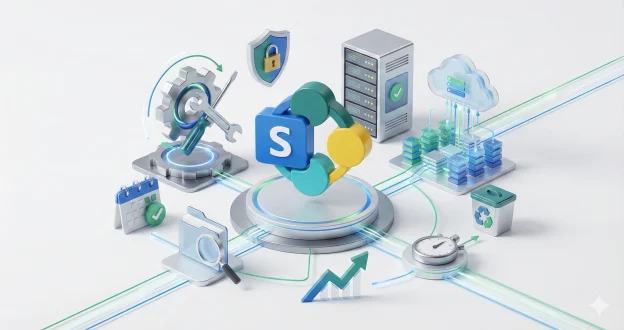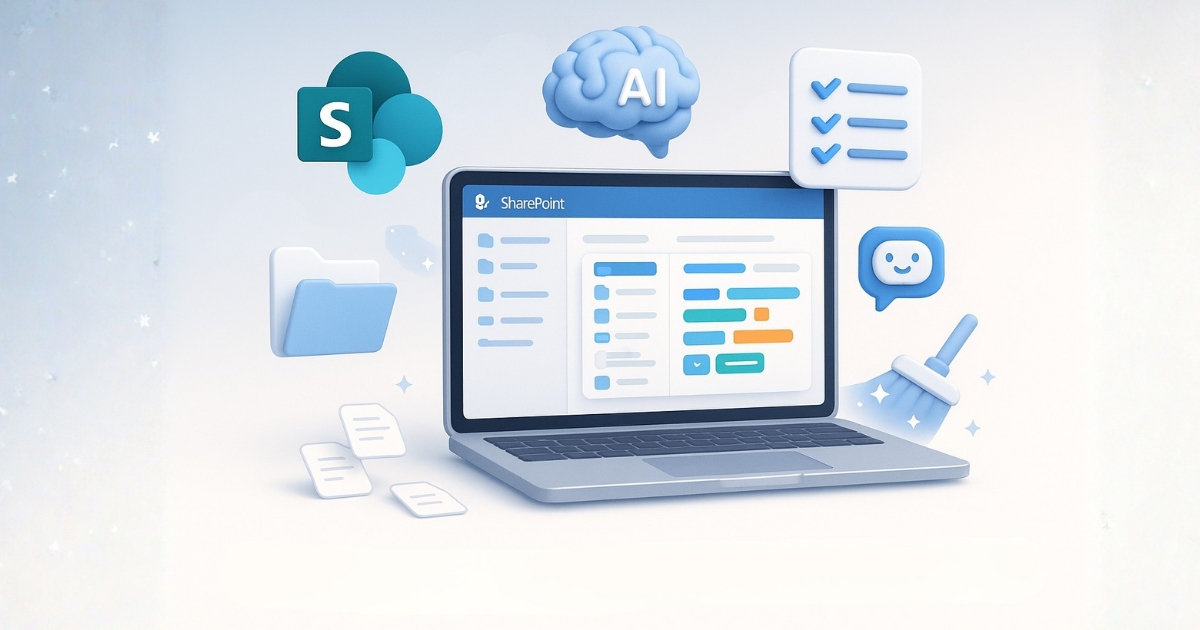
SharePoint Knowledge Agent puts an end to repetitive audits and endless governance tasks. It reviews content, identifies risks, fixes issues, and strengthens the foundation needed for tools like Microsoft 365 Copilot to work effectively. Explore how this tool is changing the way organisations manage knowledge.
If you work in internal communications, you’ll know this moment all too well. More often than not, you log into your SharePoint intranet to publish a simple update, and before you even start, the problems jump out at you. A page that should have been archived ages ago is still sitting there. A policy marked for regular review hasn’t been touched in years. A key HR link takes you straight to an error page. And buried somewhere in a long-forgotten library sits content no one remembers creating, let alone maintaining.
This slow, constant drain wears down even the most committed IC teams. What’s more, research from Microsoft in 2025 shows that over 61% of internal communicators spend more time fixing content issues than creating new messages.
That time loss grows with each abandoned site, dated document, and messy permissions list. It feels less like managing an intranet and more like plugging holes in a leaking boat.
The truth is simple: SharePoint governance has become too big, too manual, and too time-hungry for most IC teams to handle alone. At the same time, you want to maintain a clear, trusted intranet, but the work never ends.
One broken link becomes ten. One outdated policy becomes twenty. The pressure to “stay on top of everything” becomes unrealistic without serious help.
This is why organisations are now turning to AI-powered SharePoint governance. And leading that shift is SharePoint Knowledge Agent, Microsoft’s newest AI tool designed to support Copilot and transform the way communicators work.
Launched in Public Preview in September 2025, SharePoint Knowledge Agent brings AI into the heart of content management. It helps you organise information, clean up old sites, fix issues before people notice them, and prepare your intranet for the modern AI economy.
For internal communicators, this is more than a feature update. It’s the first real chance to escape the endless admin loop and focus on clear, meaningful communication again.
What is a SharePoint Knowledge Agent?
A Simple Way to Fix Content Pain Without the Headache
SharePoint Knowledge Agent is an AI-powered assistant that lives inside your SharePoint environment. It appears as a small action button in the corner of your screen and gives you help based on what you are doing at that moment.
It uses natural language, so you can talk to it like you would talk to a colleague. You do not need technical skills or deep SharePoint knowledge. You ask. It acts.
Here’s what it can do today:
- Fix broken links across pages and libraries in seconds.
- Check for stale or outdated content and suggest what should be updated, archived, or retired.
- Summarise long documents so you can understand them quickly.
- Draft new intranet pages with the right layout and structure.
- Spot policy documents nearing expiry and remind you before deadlines pass.
- Review permissions and flag risky or messy access patterns.
You can ask simple questions such as:
- “Show me content older than 12 months.”
- “Find pages no one has viewed this year.”
- “Retire the old HR project site.”
- “Give me a summary of this policy document.”
- “Prepare a draft announcement page.”
And the agent handles the background work that would normally take hours.
This is what makes it different from older automation tools. It’s not a bot that returns links. It’s an AI governance partner that understands context, takes real actions, and learns from how your organisation works.
In Microsoft’s latest internal data, teams using AI-ready content tools report up to 35% faster content clean-up, and Copilot delivers 25% more accurate answers when paired with well-organised SharePoint libraries. Knowledge Agent is built to unlock that performance.
It turns SharePoint from a static intranet into a living, intelligent knowledge hub – the foundation both Copilot and your future AI agents rely on to deliver value.
How Knowledge Agent Supports SharePoint Governance?
Internal comms teams often end up acting as the “quiet caretakers” of the intranet. They didn’t sign up to be SharePoint detectives, yet they spend hours trying to find who owns a page, why a policy hasn’t been reviewed, or where a broken link is hiding. None of this work is strategic. But it is essential.
The real issue isn’t that SharePoint is complex. It’s that governance never stops.
Every day, something slips out of date. Over the weeks, teams spin up new sites with no long-term ownership. And as months pass, fresh content piles on top of outdated material, making the intranet heavier and harder to trust.
This constant drift creates problems Internal Comms can feel but rarely have time to fix:
- Pages stay live long after they’re useful
- Documents lose owners as teams change
- Policies age quietly in the background
- Navigation becomes cluttered and confusing
- Search results get worse because metadata is missing
- Link rot spreads faster than anyone can track
- Permissions become tangled and unreliable
And the more it happens, the less employees trust what they find on the intranet. When people stop trusting the intranet, they stop using it. When they stop using it, Internal Comms loses one of its most important channels.
This is the point where the SharePoint Knowledge Agent steps in – not as another tool to manage, but as a partner that does the ongoing governance work you simply don’t have capacity for.
Knowledge Agent reviews your intranet with the same care a human would, but at a scale no team could ever match. It understands how your content is used, where ownership gaps exist, and which areas need attention. It doesn’t just raise issues; it helps you fix them.
With AI doing the constant checking, flagging, and organising, Internal Comms teams finally move away from:
- Manual audits
- Endless content clean-ups
- Guesswork about usage
- Late-night governance fixes
- Relying on IT for small changes
Instead, they get an intranet that stays healthier on its own, cleaner pages, clearer ownership, and content that reflects the organisation as it is now, not how it was three years ago.
Knowledge Agent turns SharePoint from a system you chase into a system that supports you.
Key Features That Make AI-Powered Intranets a Game-Changer for Internal Comms
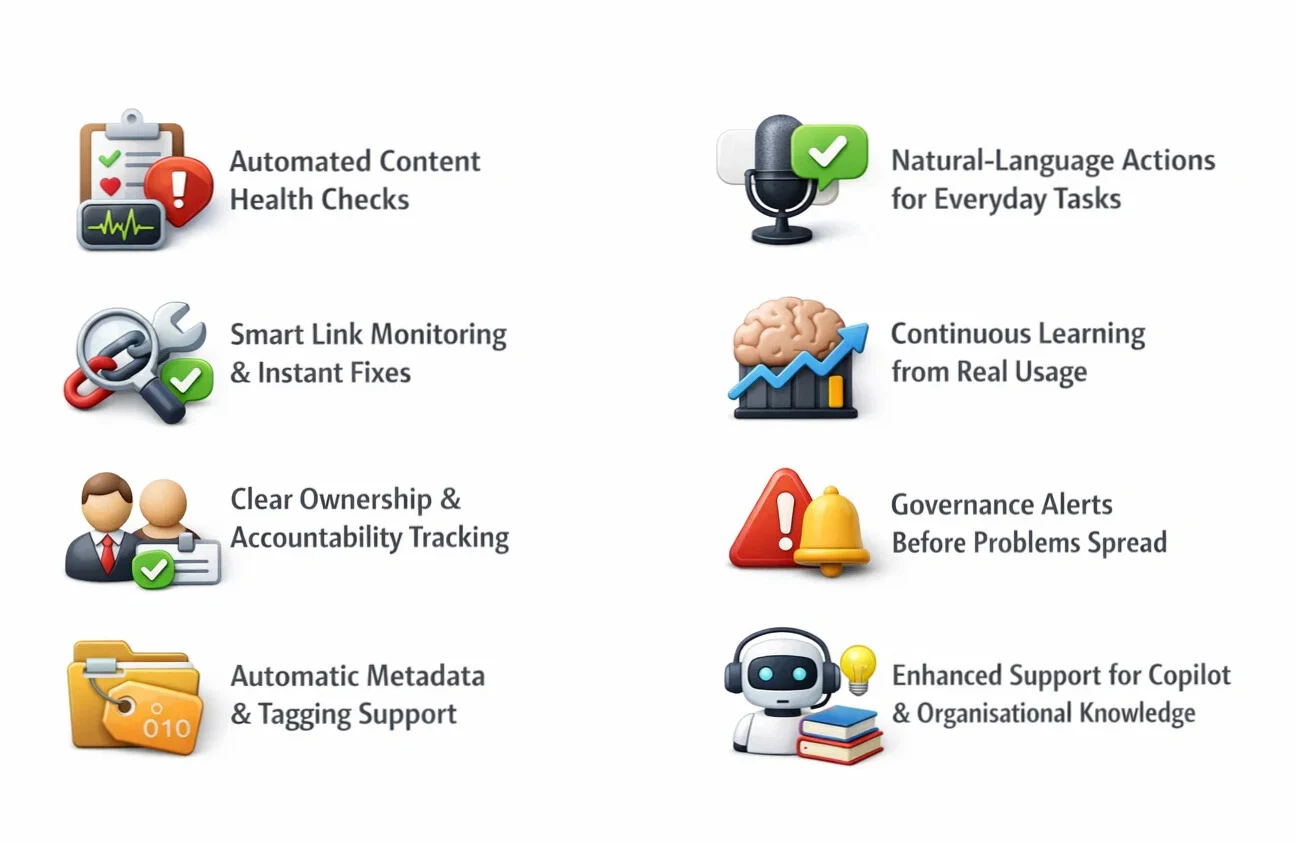
AI is finally giving Internal Comms the kind of support they’ve needed for years. Instead of chasing outdated pages, broken links, and unclear ownership, teams can now rely on an intranet that looks after itself. The following features show how an AI-powered intranet, especially when integrated with SharePoint and tools across Microsoft 365 – keeps governance tight, content healthy, and communications consistent.
1. Automated Content Health Checks
AI scans your sites continuously and flags the problems that normally stay hidden until someone complains: outdated policies, pages with zero views, duplicate files, and content that’s been left untouched far beyond its review cycle. It saves hours of manual checking and keeps your intranet clean without you lifting a finger.
2. Smart Link Monitoring & Instant Fixes
Link rot is one of the biggest trust killers in any intranet. AI monitors every link across your pages and libraries, spots anything broken, and helps you fix it instantly. No more guesswork, no more waiting for IT – just healthy navigation that employees can rely on.
3. Clear Ownership & Accountability Tracking
One of the biggest governance failures is simple: no one knows who owns what. AI identifies content without an owner, prompts for updates, suggests the right owner based on usage, and helps assign responsibilities. Your intranet stops being a “no-man’s land” and becomes a well-managed, accountable environment.
4. Automatic Metadata & Tagging Support
Poor metadata is the reason many searches fall flat. AI fills the gaps by suggesting and applying consistent tags, topics, and descriptions. This improves search accuracy, keeps content organised, and reduces the burden on busy teams who often skip metadata because they don’t have time.
5. Natural-Language Actions for Everyday Tasks
Instead of navigating complex menus or learning SharePoint settings, AI lets you speak normally:
- “Archive pages older than a year.”
- “Show me policies that need a review.”
- “Organise these documents by department.”
This lowers the barrier for Internal Comms teams who don’t want to become SharePoint experts. You tell the system what you need; it handles the mechanics.
6. Continuous Learning from Real Usage
AI doesn’t work on static rules. It learns. It understands how employees use content, what they ignore, and where they struggle. This makes the intranet more intuitive over time – better search, smarter suggestions, clearer navigation, and policies that stay visible to the people who need them.
7. Governance Alerts Before Problems Spread
AI doesn’t only show what’s broken – it predicts what may soon become a governance issue based on usage patterns, content age, and ownership gaps. This shifts Internal Comms from reactive to proactive, reducing fire-fighting and last-minute fixes.
8. Enhanced Support for Copilot & Organisational Knowledge
With structured content, clean metadata, and healthier libraries, tools like Microsoft 365 Copilot work far better. AI gives Copilot “ready-to-use” knowledge, improving summarisation, drafting, Q&A responses, and policy lookups across Teams, Outlook, and the intranet. This creates a connected knowledge ecosystem that supports every employee – not only content owners.
How Big of a Step Forward is the SharePoint Knowledge Agent?
For years, internal comms teams have struggled with the same cycle: outdated pages, broken links, messy libraries, and sites that slowly drift away from standards. Even teams with a central intranet manager often rely on busy content owners who have no time for governance. As a result, pages stay outdated for months, content goes missing, and employees begin to doubt what they see.
The SharePoint Knowledge Agent finally tackles the root of these problems. This is not a small update. In fact, it represents a real shift in how SharePoint handles governance, content quality, and AI readiness — something organisations have needed for a long time.
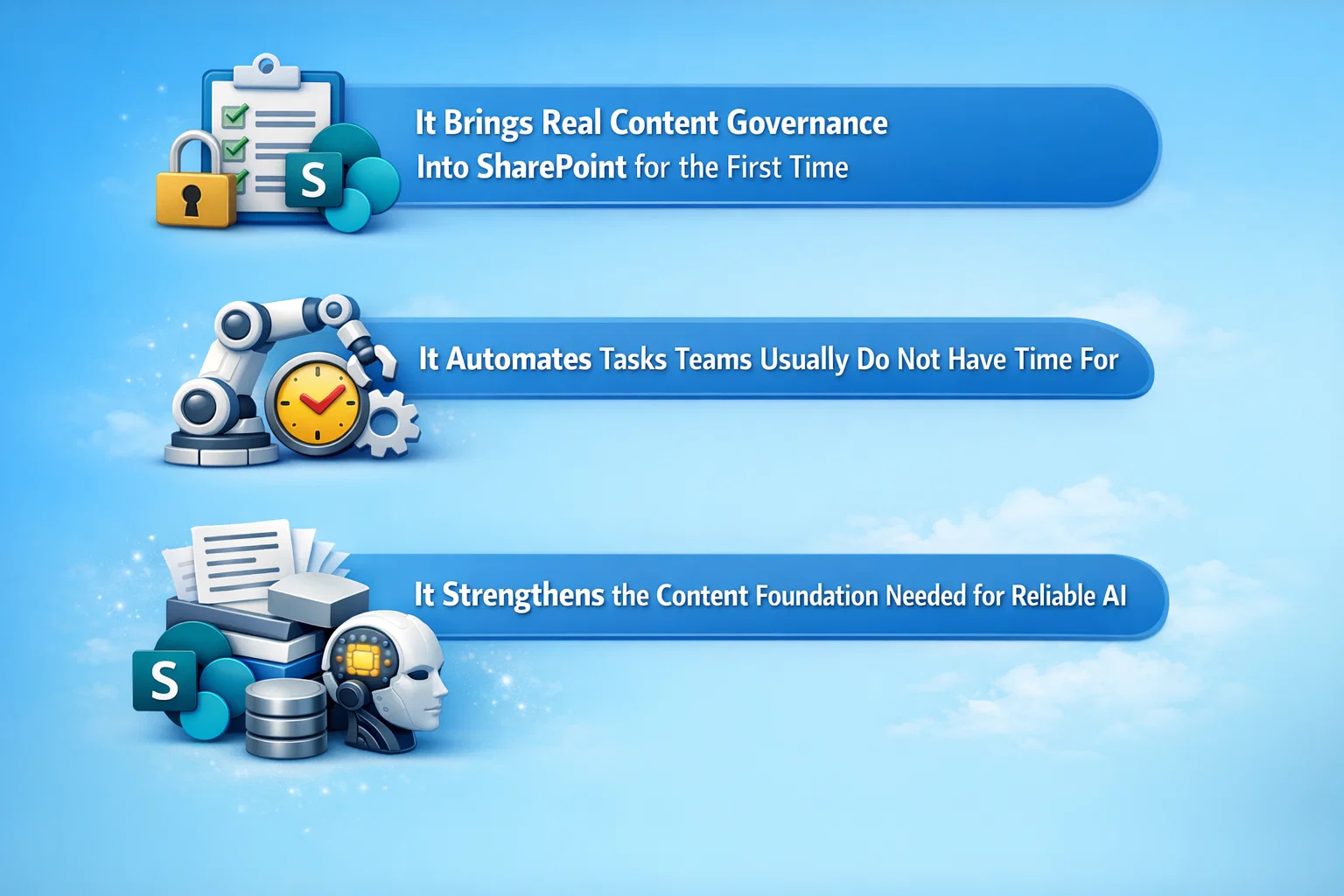
1. It Brings Real Content Governance Into SharePoint for the First Time
Most intranets fail because governance is not consistent. Research from digital workplace surveys shows that over 60% of intranet content becomes outdated within 18-24 months. The Knowledge Agent addresses this by introducing automated checks, insights, and clean-up tools that guide site owners before things fall apart.
Instead of relying on manual audits or long governance documents, the agent highlights issues on the actual site – right where people work. This alone removes one of the biggest blockers for internal comms: getting content owners to maintain their pages.
2. It Automates Tasks Teams Usually Do Not Have Time For
Most SharePoint owners are not trained comms experts. Many maintain sites alongside their full-time roles.
The Knowledge Agent supports them by:
- Scanning for redundant or outdated material
- Spotting pages that no longer perform
- Checking libraries for messy folders
- Suggesting improvements they can apply instantly
Based on industry data, up to 35% of intranet content typically becomes ROT (redundant, outdated, trivial). Automating the clean-up helps organisations avoid the usual years-long backlog.
3. It Strengthens the Content Foundation Needed for Reliable AI
Modern AI tools rely on structured, accurate content. When intranet content is messy, AI responses become wrong, vague, or misleading. The Knowledge Agent helps fix this by improving metadata, identifying content gaps, and bringing order to libraries. This allows AI-powered search and answers to run on cleaner, more trustworthy information.
Where the SharePoint Knowledge Agent Still Needs to Improve?
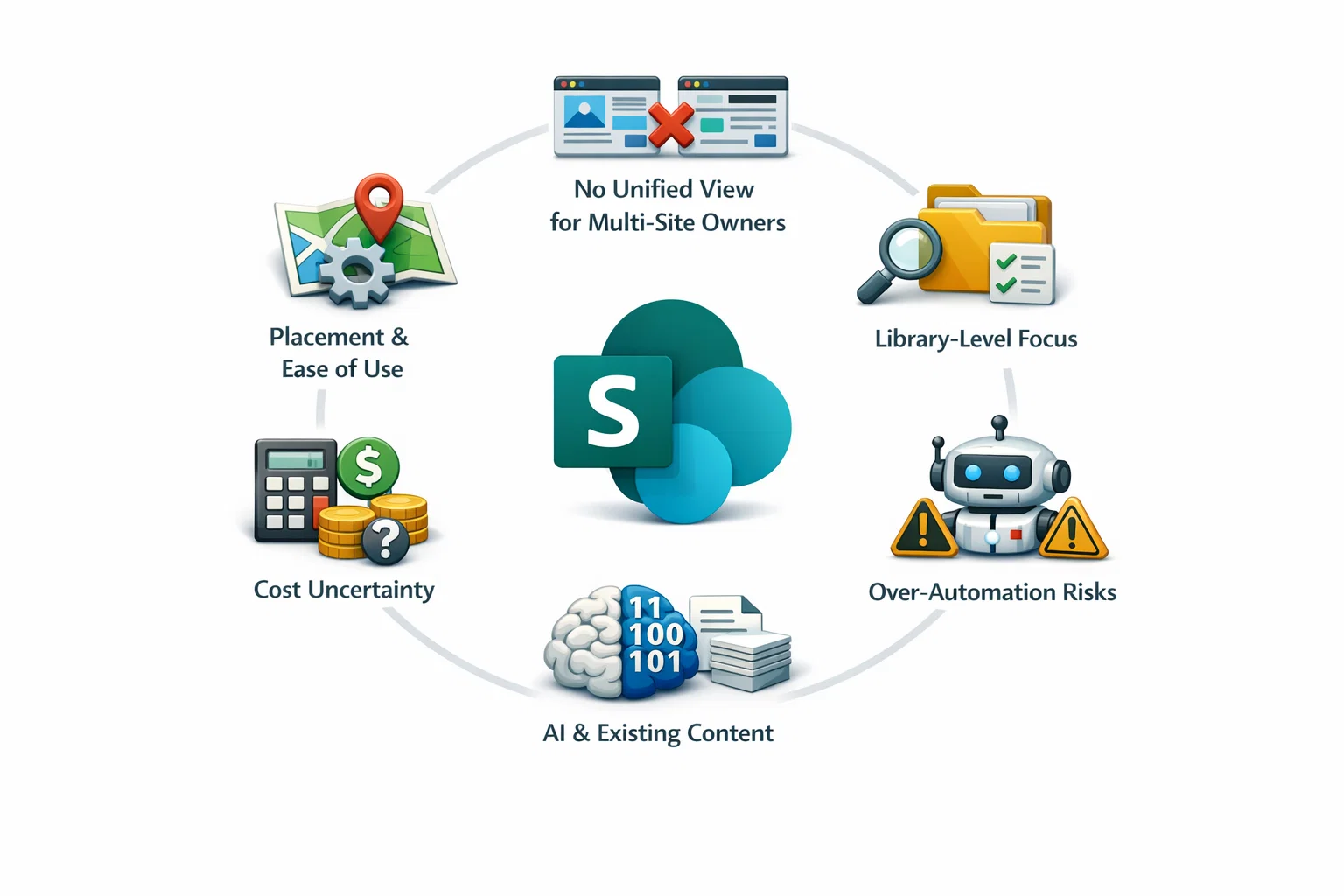
The first version of the Knowledge Agent is promising, but it is not perfect. There are still areas that will need refinement, especially before general availability.
1. Placement and Ease of Use
Right now, the Knowledge Agent appears as a floating icon in the corner of each page. Some teams find it helpful, others find it distracting. A simple ability to move or anchor it would improve usability. Most internal comms teams prefer predictable navigation patterns instead of floating buttons.
2. No Unified View for Multi-Site Owners
Many intranet managers oversee dozens of sites. The current version focuses on single sites or single libraries, which means:
- Insights are not centralised
- Cross-site issues cannot be monitored
- Owners cannot see everything they are responsible for in one place
- A consolidated dashboard would save huge amounts of time and give internal comms teams real control.
3. Library-Level Focus Limits Bigger Governance Work
At the moment, the agent analyses each library separately. This is helpful but not enough for organisations with large intranets. It still cannot:
- Detect duplicate content across areas
- Help maintain organisation-wide taxonomy
- Identify conflicting versions of documents stored in different places
- These are major governance pain points for internal comms, especially in large enterprises.
4. Over-Automation Without Oversight Can Be Risky
Automation can save time, but it should not run without human review. If the agent retires a page that still has business relevance, users may lose access to important information. If it redesigns a page without understanding audience needs, content can lose clarity. Internal comms teams need the balance of AI suggestions with human judgement.
5. AI Can Only Work With the Content You Already Have
If an organisation has years of content debt, poor tagging, or large collections of outdated files, the agent can only fix part of the problem. It still depends on the quality of what exists. The old rule still applies: “Bad content in = bad AI out.” To get full value, organisations may still need a clean-up project before relying on the agent.
6. Potential Cost Uncertainty for Heavy AI Use
Some advanced AI capabilities – especially automated metadata processing – may eventually use consumption-based billing. For organisations with large libraries, predicting usage may become challenging. Internal comms teams will need clear cost controls to avoid surprises.
Conclusion
The Knowledge Agent introduces a more intelligent, reliable, and structured way to manage content inside SharePoint. It strengthens governance, reduces guesswork, and gives internal communications teams a clear view of what needs attention. With automated insights, content checks, and AI-driven guidance, it becomes far easier to maintain a trustworthy intranet that employees can depend on every day.
For organisations exploring Microsoft 365 Copilot, the Knowledge Agent also plays a crucial role. Clean metadata, accurate links, and well-managed pages directly improve Copilot responses. Even if you are still in the early stages of AI adoption, improving the health of your SharePoint environment delivers immediate gains in search, navigation, and user experience.
However, governance still needs a long-term plan. Licensing changes, feature limitations, and the need for careful rollout planning mean organisations benefit from expert support. This is where the right SharePoint partner makes a meaningful difference.
If you want to create a more structured, compliant, and AI-ready intranet, our specialists can guide you through every step – from governance reviews to full Knowledge Agent integration.

Frequently Asked Questions
Q1. Does the Knowledge Agent replace traditional SharePoint governance tools?
Not entirely. It automates many governance tasks, but it does not replace processes such as ownership assignment, lifecycle policies, or compliance reviews. You still need a governance framework, but the Knowledge Agent reduces manual effort and helps teams maintain consistency.
Q2. Can the Knowledge Agent support multilingual intranets?
Yes. It can analyse content across different languages, but the level of accuracy depends on how well your site structure, metadata, and page labelling are maintained. For organisations with multilingual teams, combining the Knowledge Agent with structured taxonomy is essential for reliable results.
Q3. How does the Knowledge Agent impact SharePoint search performance?
It improves search accuracy by enhancing metadata, identifying outdated items, and reducing clutter. Cleaner content and stronger structure help Microsoft Search and Copilot generate more relevant results, especially in large organisations with complex libraries.
Q4. Will existing workflows and automations conflict with the Knowledge Agent?
In most cases, no. The Knowledge Agent works alongside your existing Power Automate flows and SharePoint rules. However, if you have custom workflows tied to specific metadata fields, you may need to test how automated tagging influences those processes.
Q5. What skills do internal comms teams need to use the Knowledge Agent effectively?
Teams don’t need technical skills. They mainly need an understanding of content lifecycle, page ownership, and basic metadata practices. The Knowledge Agent provides suggestions, but teams still decide what to archive, update, or improve.
Q6. Is the Knowledge Agent suitable for regulated industries?
Yes, it is suitable but with planning. It helps maintain accuracy and reduces content risk, but regulated sectors – such as finance, healthcare, and public services, may need additional controls. This includes approval flows, retention policies, and stricter access governance.